Start With Processes, Not Tools

Before choosing any application, capture the actual work people do, where time leaks happen, and what triggers each handoff. Clear, observable processes make automation obvious, affordable, and resilient. This approach avoids tool-chasing, reduces risk, and builds a shared language that helps your team spot bottlenecks, measure improvements, and continually refine how work flows. Invite staff to sketch, comment, and challenge assumptions so the maps reflect reality, not wishful thinking.

Map Your Workflow End To End

Walk through a typical customer journey, from first contact to payment and follow-up. Identify every manual step, spreadsheet, and email template people reuse. Note where tasks wait on approvals or rework. These observations reveal automation candidates that are low risk, verifiable, and easy to pilot. Encourage frontline teammates to annotate pain points, because their insights often uncover hidden delays that management dashboards miss entirely.

Prioritize Quick Wins With Clear Boundaries

Pick processes that touch few systems, repeat daily, and carry meaningful value when accelerated. Confirm what success looks like, what can break, and who owns outcomes. Timebox experiments so learning arrives fast. Keep scope narrow, such as auto-assigning new inquiries, syncing contacts, or generating weekly reports. Small successes build trust, reduce uncertainty, and motivate stakeholders to support the next automation with more confidence and constructive feedback.

Define Metrics That Matter To Humans

Choose measures employees and customers can feel: response time, error rate, on-time delivery, refund frequency, or first-contact resolution. Avoid vanity numbers that hide friction. Publish a simple scorecard before and after each automation so improvements are visible and celebrated. When people see time returned to meaningful work, enthusiasm grows naturally, creating a culture where thoughtful automation becomes a shared responsibility and a source of everyday pride.


Build A Reliable Free Toolstack

Combine mature, well-supported open-source applications into a coherent stack that covers outreach, sales, service, and back office. Favor tools with active communities, clear documentation, and stable releases. Start small, integrate gradually, and standardize on simple deployment patterns. This approach keeps maintenance manageable while unlocking compounding benefits across customer data, workflows, and analytics. Share your stack openly with peers and ask for suggestions to refine choices for your specific context.

Glue Everything With Open Integrations
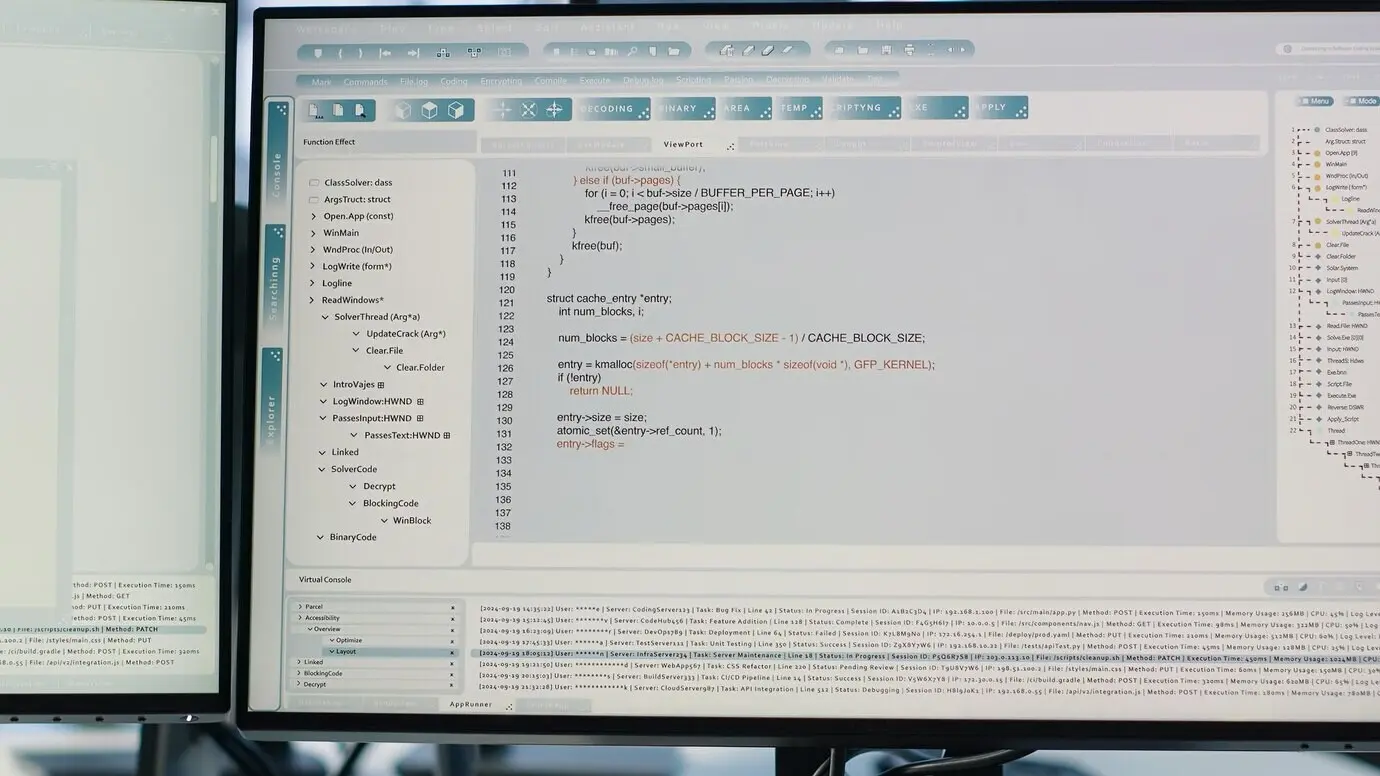
Automations shine when your tools talk cleanly. Favor webhooks, REST APIs, and interoperable data formats like JSON or CSV. Use visual builders for speed, scripts for precision, and queues for reliability. Design idempotent jobs that safely retry and log outcomes. Start with a single integration, then document patterns you can reuse. This discipline prevents brittle spaghetti and ensures your stack remains understandable, adaptable, and friendly to new teammates joining later.

Protect Data, Privacy, And Trust

Free tools still demand rigorous stewardship. Standardize backups, updates, access controls, and audit logs. Choose privacy-by-design defaults and limit sensitive data collection. Communicate clearly with customers about how information flows and how long it is retained. When trust anchors every automation, adoption accelerates, collaborations deepen, and your team sleeps better. Share policies internally, review quarterly, and invite feedback so governance evolves with your operations and legal requirements.

Backups You Can Actually Restore

Backups are meaningless until verified. Use Borg or Restic for encrypted, deduplicated snapshots, and schedule test restores monthly to a staging server. Capture databases, application data, and configuration files, including environment variables. Document steps, ownership, and recovery time objectives. Clear runbooks reduce panic during incidents and transform outages into manageable events, preserving customer confidence and team composure even when hardware fails, power drops, or human error inevitably appears.

Identity, Access, And Least Privilege

Centralize authentication with Keycloak or another open identity provider, enforce two-factor authentication, and grant role-based permissions with the minimum required rights. Segment admin accounts, rotate credentials, and log elevation events. When workflows create accounts automatically, ensure group membership is correct and deprovisioning runs promptly. This discipline lowers breach risk, simplifies audits, and keeps daily work smooth, because people can access exactly what they need without dangerous shortcuts or shadow systems.

Compliance And Transparent Logging

Collect structured logs for key events, store them securely, and redact personal data where possible. Publish a clear privacy notice and data retention schedule aligned with your jurisdiction. When automations touch customer information, review consent, legal bases, and deletion workflows. By making accountability visible, you reduce surprises, support responsible marketing, and earn referrals. Customers notice when you respect their time and data, and they reward consistency with long-term loyalty.

Deploy Light, Update Often

Keep operations nimble by using simple, reproducible deployment methods. Docker Compose on a small VPS or a modest office server is usually enough. Standardize directories, environment variables, and health checks. Automate updates with maintenance windows and rollbacks. Write lightweight documentation your team actually reads. When everything is predictable, you can move faster, try new ideas, and onboard new colleagues without disrupting customers or sacrificing reliability during busy periods.

A Practical Home Or VPS Setup

Run containers with Docker Compose, bind persistent volumes, and keep a private Git repository for infrastructure files. Use Traefik or Caddy for reverse proxy and automatic certificates. Separate staging and production using distinct stacks and environment files. Regularly pull updates, rebuild images, and prune unused layers. This basic hygiene delivers surprising stability, reduces downtime, and makes your automation platform feel professional without imposing enterprise overhead or complex orchestration burdens.

Observability Without Noise

Start with Uptime Kuma to monitor service health, response times, and certificate expirations. Add lightweight logs and simple alerts routed to email or chat, tuning thresholds to avoid false alarms. When something fails, link alerts to concise runbooks so responders know what to check first. Clear, quiet signals build confidence, encourage experimentation, and prevent alert fatigue, allowing your team to focus attention where human judgment truly matters most.

Run A Two-Week Pilot With Clear Checkpoints

Choose one process, define baseline metrics, and run a focused two-week test with a small group. Hold mid-point and closing check-ins to review data and anecdotes. Adjust playbooks, refine triggers, and update documentation immediately. By constraining time and scope, you reduce risk and surface insights early, making the next iteration faster, smoother, and more aligned with how people actually work under real-world pressures and seasonal demand.

Teach With Stories, Not Just Screenshots

Create short narratives showing how a lead becomes a customer without manual copying, or how an order prints automatically while a confirmation email is scheduled. Real examples stick, especially when told by peers. Record quick screencasts, annotate steps, and include why each decision matters. People remember outcomes, not menu paths, and they will replicate behaviors when they see believable, repeatable benefits in their own day-to-day responsibilities.
Nafumuxifoveforizezota
Privacy Overview

This website uses cookies so that we can provide you with the best user experience possible. Cookie information is stored in your browser and performs functions such as recognising you when you return to our website and helping our team to understand which sections of the website you find most interesting and useful.